Know it.
Then slay it.
Learn how music actually works on guitar — the theory, the fretboard, the ear — then walk on stage and let it rip. Study to solo, all in one tool.

Every note, scale and chord — lit up across the whole neck, coloured by interval, mirrored on a piano.
Theory and the solo aren't two worlds.
Understand why a chord works, see it light up on the fretboard, drill it, hear it — and the solo stops being magic. It starts being muscle memory you can explain.
Study
Quiet room, headphones, the tool open.
- The Academy course — first chord to modes & odd meters
- Why the V pulls home, on a fretboard that shows it
- 17 drills, ear training & a daily streak
Slay
Lights up, crowd loud, and you just know where the notes are.
- Solo in key without thinking — the Jam band backs you
- See the next chord coming and land on it
- Write a riff, then rip a solo over it
Everything wired to one fretboard.
Learn a concept once and it shows up everywhere else — because it's all the same fretboard underneath.
The full fretboard, live
Any note, scale, chord or interval lights up across the neck — with a keyboard reference to show where octaves land.
The why, not the dots
Real explanations of how things are built and why they sound that way — not shapes to mimic and forget.
17 adaptive drills
Notes, intervals, sight-reading, chord & scale building, Roman numerals, inversions — Smart practice hunts your weak spots.
Train it with an anchor
Intervals, chord quality and degrees by ear, with a reference note you can see and hear. Real ear training.
It hears you play
Play into the mic and your notes light up live as you go, with challenges that check what you actually played — a Pro mode. The mic tuner is free for everyone.
Write your own riffs
A free multi-track sketchpad: chords, melodies, editable real tab, a recorded drum kit, even 7/8 bars. Four built-in songs — pop groove to full metal — plus a section mixer and an A–B loop for drilling licks. Then jam over your own track with the Pro band.
Beginner to advanced, guided
A guided path with milestone badges, practice streaks, a daily theory challenge and a profile that tracks where your time goes. Level 1 of the course is free, and the full course comes with Pro.
Save, print & share it all
Save any diagram as an image (watermark-free with Pro), print clean charts, and share exact board states or whole riffs as a link.
Any tuning, any pitch
Standard, Drop D, DADGAD, opens and full chromatic, with a reference from A 432 to 446.
It doesn't just tell you — it shows you.
Colour-coded, interactive, and explained in plain English. A few corners of what's waiting inside the tool.
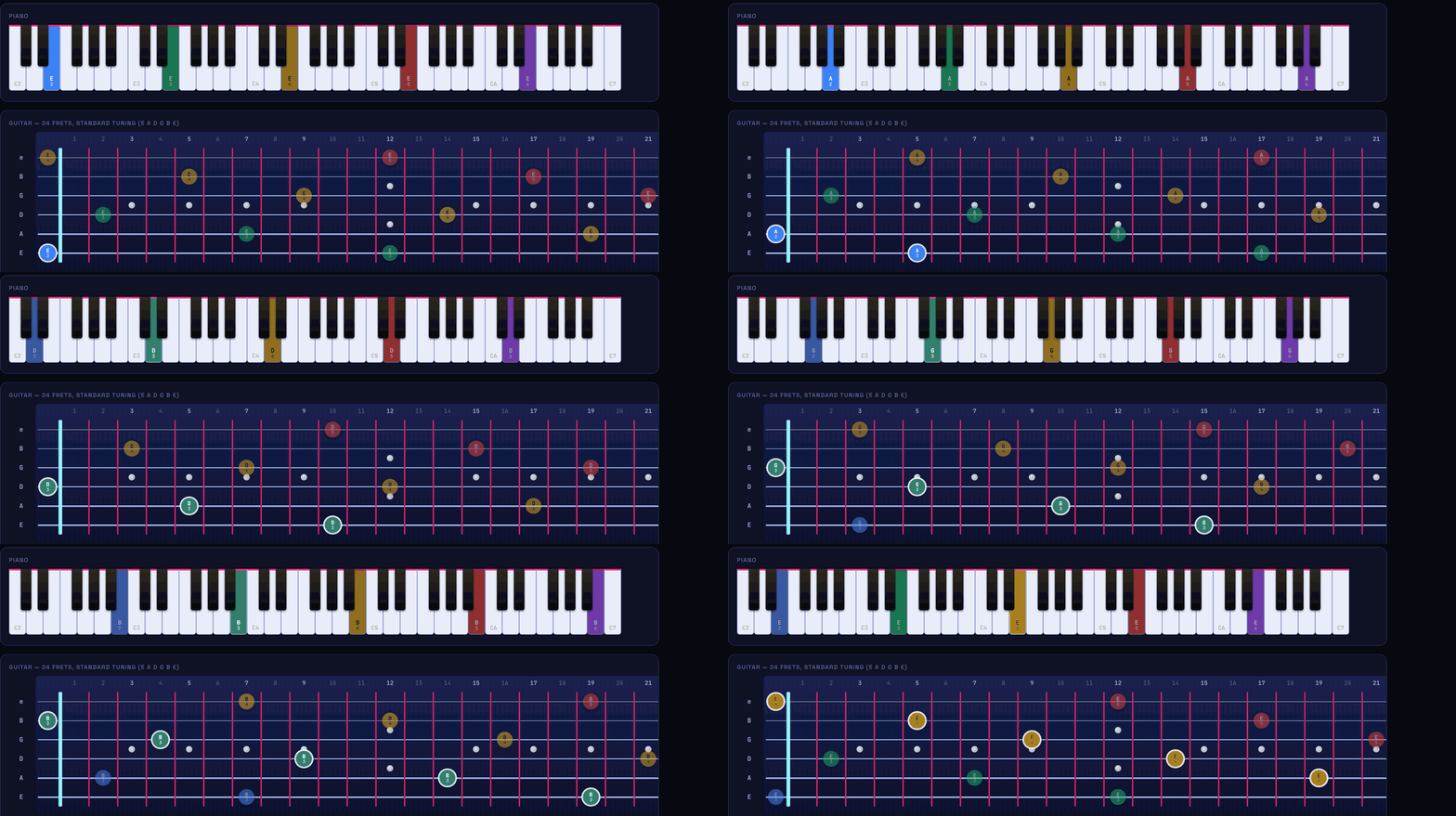
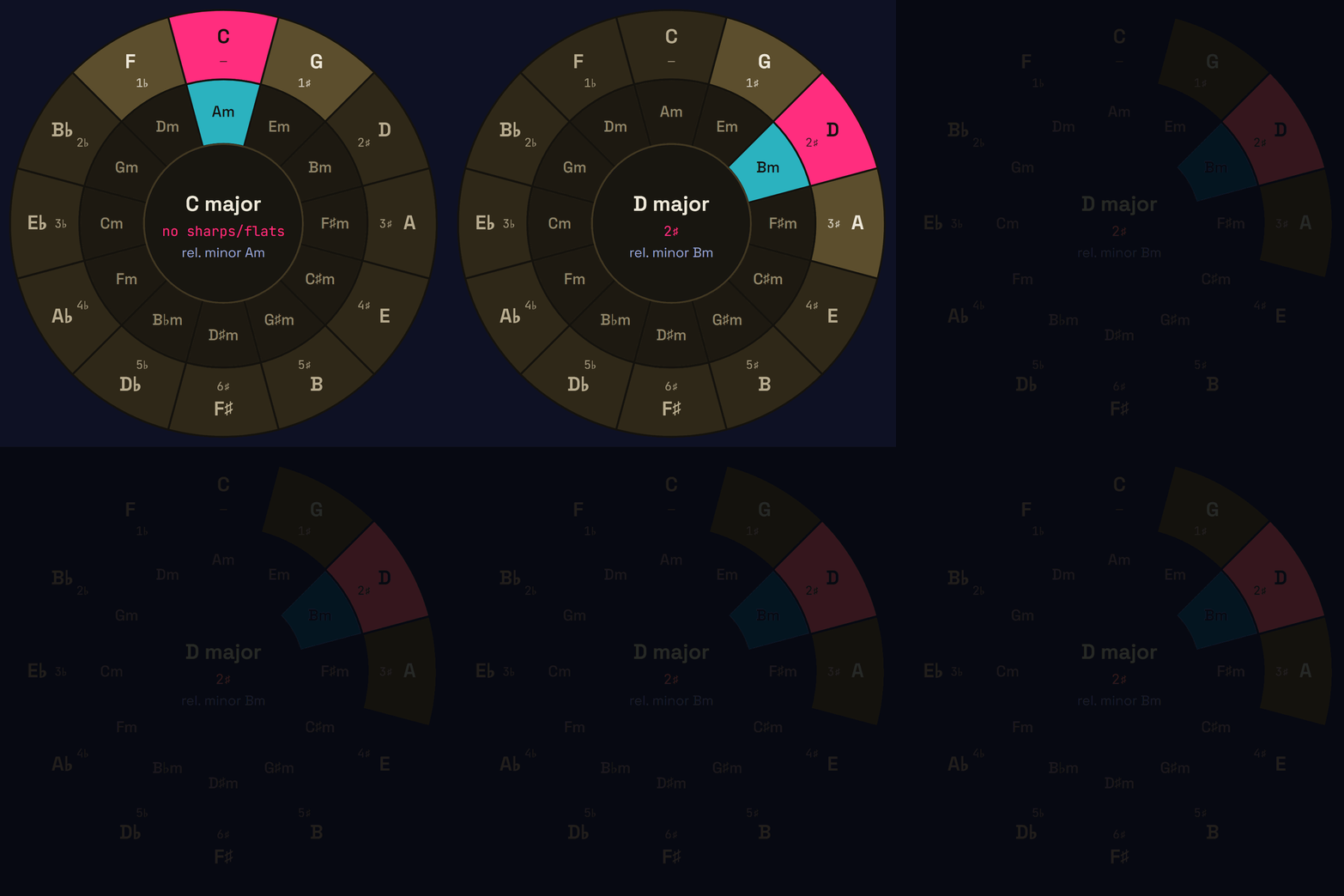
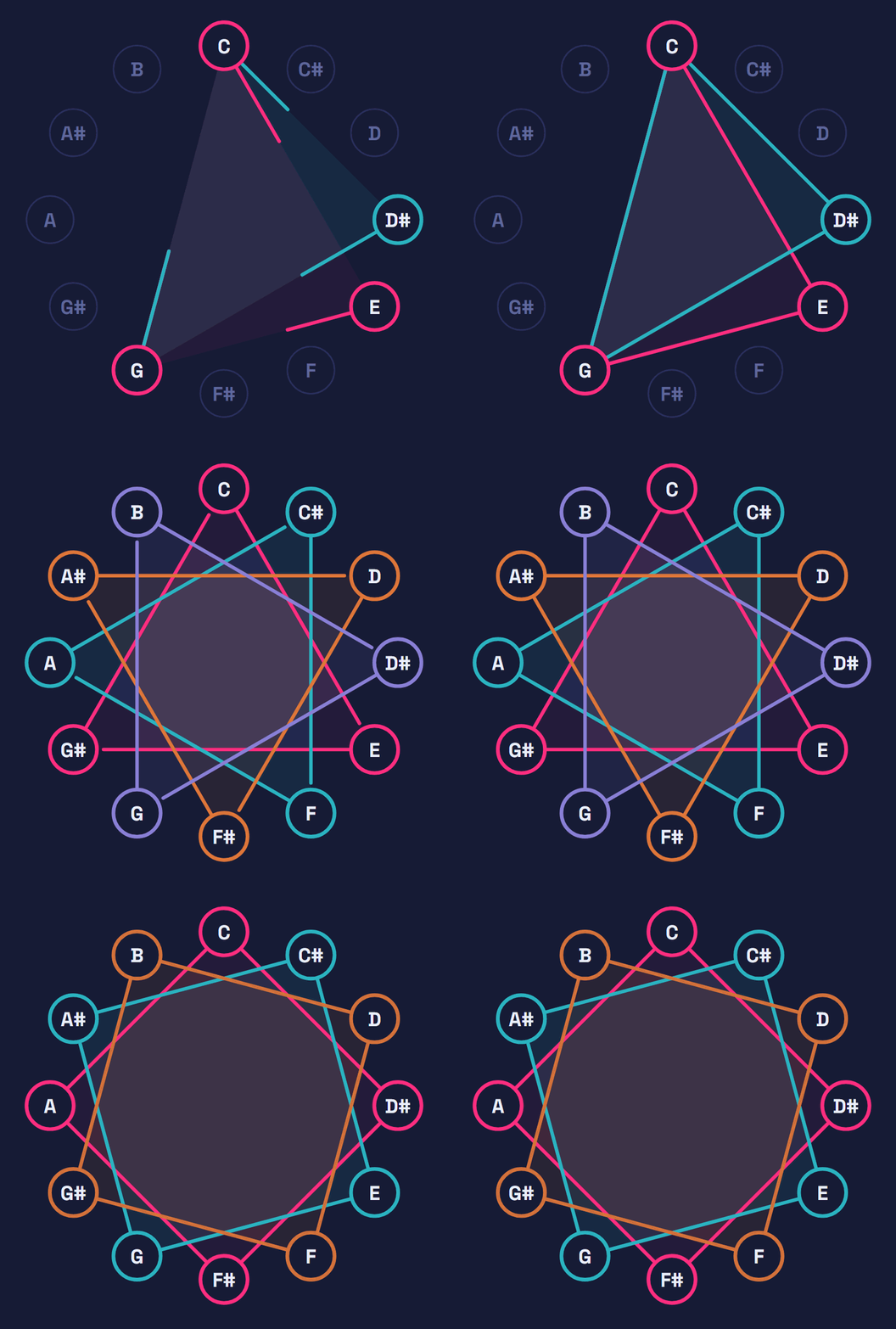
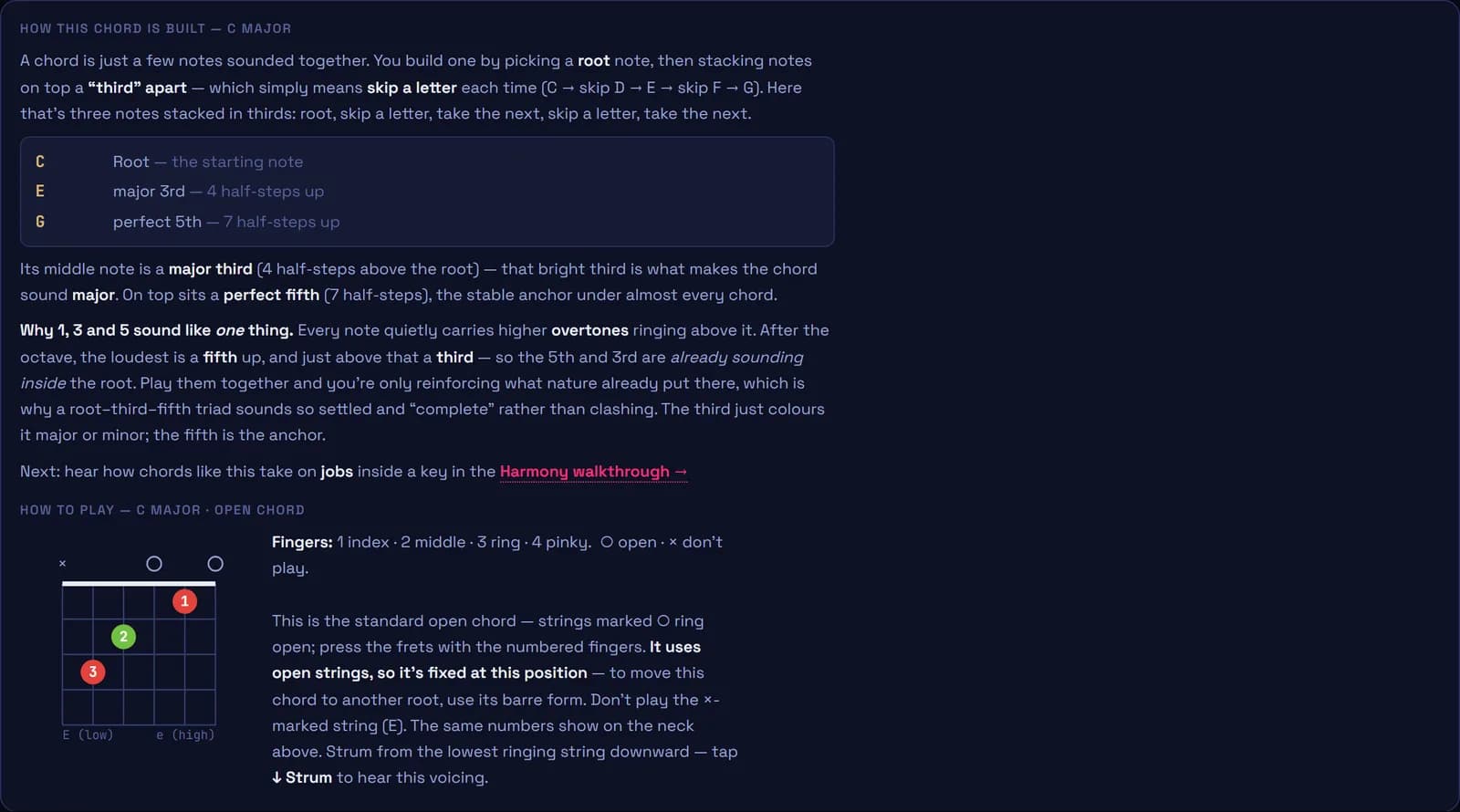

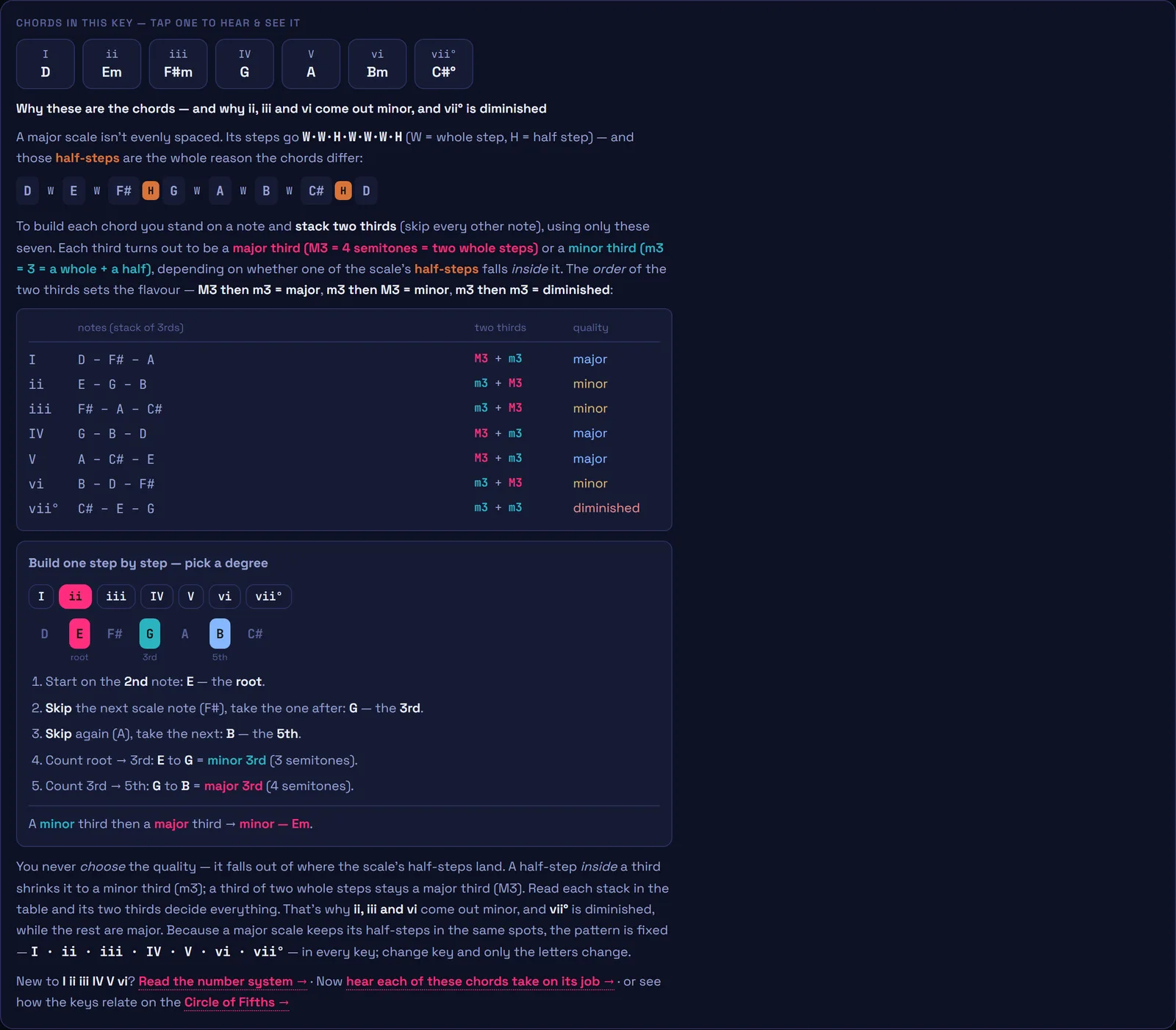
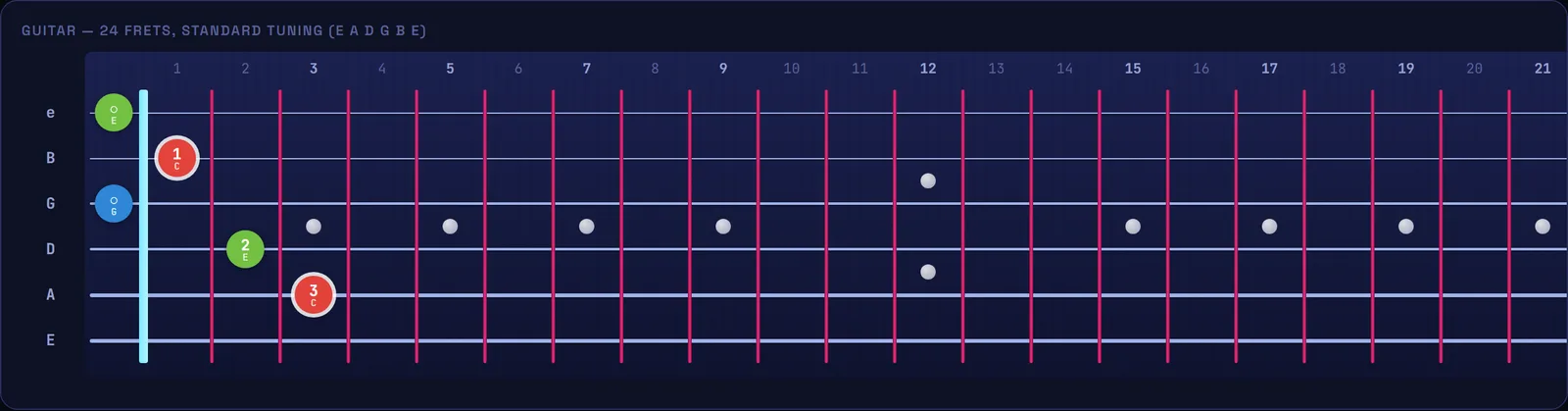
From cold start to charged up in a minute.
Enter the tool
Loads instantly in the browser — phone, tablet, laptop. Nothing to install.
Explore or follow the course
Attack the fretboard and keys, or take the guided path from your first chord.
Drill, tune, rip
Run the workouts, tune up, play into the mic. Smart mode keeps the pressure on your weak spots.
Learn the why, not just the shapes.
Short, plain-English guides to how music actually works on guitar — chords, scales, the circle of fifths and more. Every one links straight into the interactive tool.
Free to explore. Pro to be taught.
The theory stays free — every chord and tuning, every scale, the full capo, both circles, the Gym, the ear training. Go Pro to create and be taught: the Academy's 56 lessons with your daily assignment and reviews, the multi-track Composer, the Jam band, the mic that hears you play — all of it ad-free. It's also what keeps this indie project alive.
Jump in, no strings
- Full fretboard & keyboard explorer
- All 12 keys, every scale & mode
- Every chord type & tuning, the full capo
- The full ear-training suite — intervals, chords, rhythm & sing-back
- Level 1 of the course, streaks, daily challenge & profile
- Circles of fifths & thirds, songs, gym, mic tuner
Unlock everything
- The Academy — all 56 lessons, a daily assignment & reviews
- Test-out exams, mastery tracking & spaced repetition
- Live Play — the mic hears & checks your playing
- Jam band + solo coach — even over your own riffs
- The multi-track Composer — riffs, real tab, drums & MIDI
- MIDI export & watermark-free images
- The 10 Pro drills, Smart practice, the Harmony guide — and no ads
Step on stage.
Open the tool. It's free, it's in your browser, and the only thing between you and the solo is the reps.
Enter the tool